Lycri
A lyric presentation app for macOS and Windows
Lycri
Lycri


Lanterns on the Water


Verse 1
Down by the river where the tall reeds bend I hung a little lantern for a long-gone friend The current took it gently, it was gold and it was slow And it carried every word I never let you know


Chorus
So light them up, let them drift away Every little flame is a thing I meant to say And if you see them shining where the dark meets the sea Leave one burning on the shore for me
Verse 2
The town is sleeping and the bridges hum I count the boats returning, but I'm waiting for one The willow keeps a secret and the stones keep the time And the water keeps on singing in a borrowed rhyme
Chorus
So light them up, let them drift away Every little flame is a thing I meant to say And if you see them shining where the dark meets the sea Leave one burning on the shore for me
Bridge
Paper and fire, a breath and a wish Nothing so fragile ever travelled like this
Verse 3
Morning on the river and the mist rolls in The lanterns all are sleeping where the reeds begin But one is still out drifting past the harbour wall Like it heard you somewhere and it heard you call
Chorus
So light them up, let them drift away Every little flame is a thing I meant to say And if you see them shining where the dark meets the sea Leave one burning on the shore for me
Outro
Leave one burning, leave one burning Down where the water bends Leave one burning, I'll keep returning Till the river finds its end

clean up
Presenter


This display


Go live
Down by the river where the tall reeds bend I hung a little lantern for a long-gone friend The current took it gently, it was gold and it was slow And it carried every word I never let you know So light them up, let them drift away Every little flame is a thing I meant to say And if you see them shining where the dark meets the sea Leave one burning on the shore for me The town is sleeping and the bridges hum I count the boats returning, but I'm waiting for one The willow keeps a secret and the stones keep the time And the water keeps on singing in a borrowed rhyme So light them up, let them drift away Every little flame is a thing I meant to say And if you see them shining where the dark meets the sea Leave one burning on the shore for me Paper and fire, a breath and a wish Nothing so fragile ever travelled like this Morning on the river and the mist rolls in The lanterns all are sleeping where the reeds begin But one is still out drifting past the harbour wall Like it heard you somewhere and it heard you call So light them up, let them drift away Every little flame is a thing I meant to say And if you see them shining where the dark meets the sea Leave one burning on the shore for me Leave one burning, leave one burning Down where the water bends Leave one burning, I'll keep returning Till the river finds its end

hide lyrics


show live view
Editor

Presets

lyric
Lyrics to display at a time


typography

Advent Pro


background
Background type


Choose image
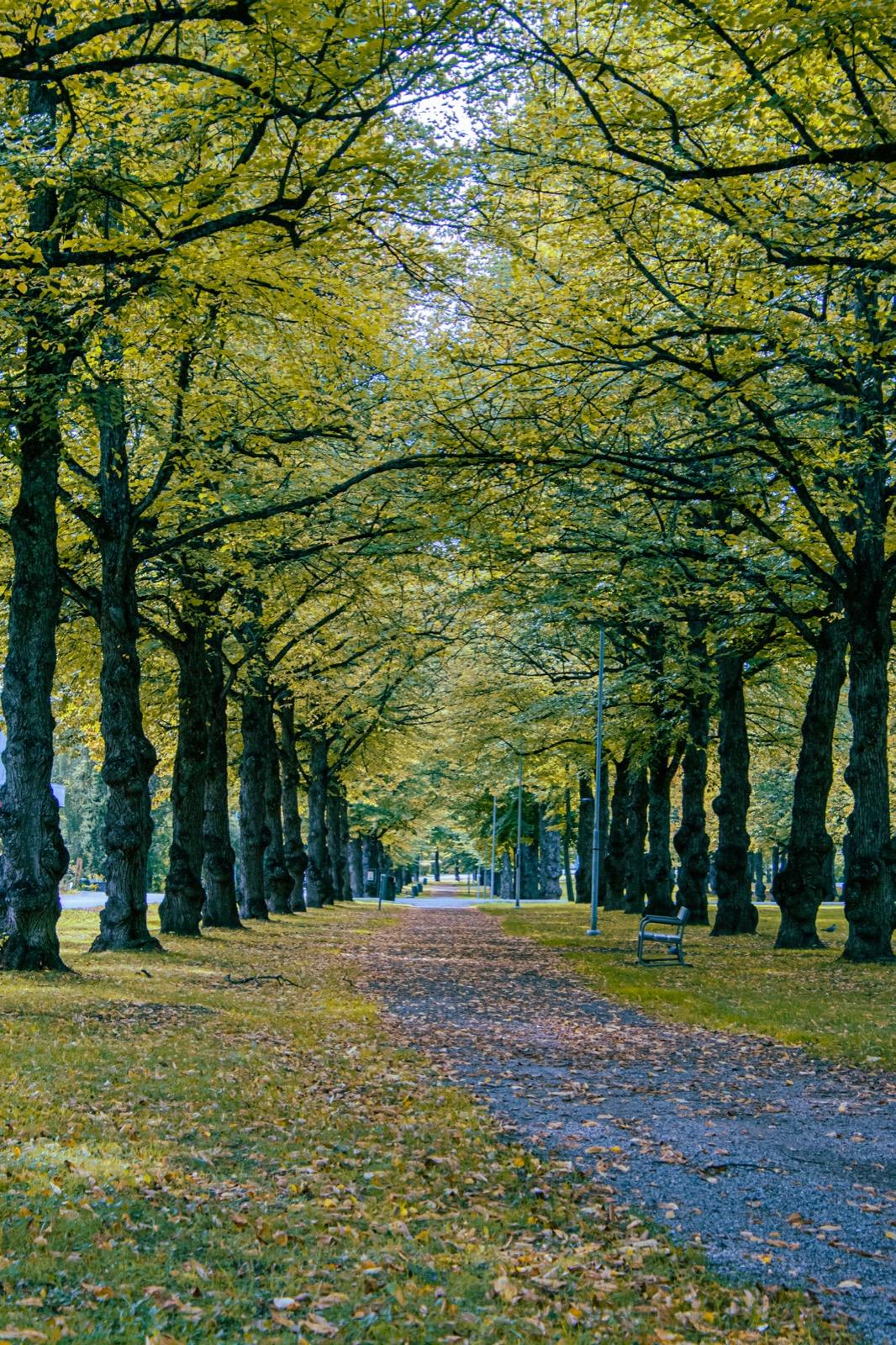
forest-path.jpg

recently used
Lycri presents song lyrics on a second screen. I built it to solve a problem I had at my local church, and I have used it there almost every Sunday since.
It is free and open source.
Visit the websiteThe problem
I wanted more control over my lyrics: how they look, and where they show up.
Lyrics go up on the screen at my church every week. I wanted them to look special, and I wanted the app showing them to work the way a song is sung rather than the way a slideshow is clicked through.
- The whole song in view. Every line on screen, with the current one highlighted and the rest still visible.
- Lyrics that move on their own. When the current line reaches the end of the screen, the lyrics move on by themselves, or slide down if set to.
- Styling without effort. Font, size, colour and background, each a click or two away.
- Lyrics over video. Placed at the top or the bottom of the screen, out of the way of what is behind them.
Lycri is those four requirements, built.
Run it live
The whole song stays on screen, and the current line leads.
Presenter

Lycri's presenter running a song: every line is on screen, the current one bright and the rest dimmed, scrolling on by itself. Opened, it can be paused, stepped with the arrows, sped up or hidden.
The current line is bright and the rest are dimmed. Lycri steps through the song with the arrow keys, or moves on by itself at a pace set by the length of each line. Open the demo to try it: pause it, step through it, change the speed or hide the lyrics.
The look
Every part of a slide's style is one control away.
Down by the river where the tall reeds bend I hung a little lantern for a long-gone friend
Editor
Presets
lyriceditor
Lyrics to display at a time
typography
Advent Pro
background
Background type
Choose video
forest-walk.mp4
recently used
Size, position, font colour and alignment are set from one panel, and the preview follows each change as it is made. The background can be a colour, an image or a video, with the lyrics placed at the top, middle or bottom of the screen.
Output
Lycri presents to any screen, or to a stream.
How do you want to display?
presents lyrics on this displaypresents on
this display
Lycri's display picker cycling through its three outputs: this screen, an external display or projector, and NDI to a stream or video switcher
- This display, the screen Lycri is running on.
- Extend, to a projector or a second screen.
- NDI, which sends the lyrics as a video source to OBS, vMix and other streaming or switching software.
Building it
I made the product decisions; AI wrote the implementation.
- The framework was chosen first. Flutter, so a single codebase builds for both macOS and Windows.
- The design was complete in Figma before any code was written. The app was built to match it.
- The feature set came from use. Each feature answers something I needed on a Sunday.
Two parts needed the closest direction: NDI output, which calls NDI's own C library from Flutter, and installers for two platforms, built with Inno Setup on Windows and as a disk image on macOS.
The landing page was designed and built the same way, and the source is on GitHub.